Flyers
100 lb gloss text in two sizes, one- or two-sided.
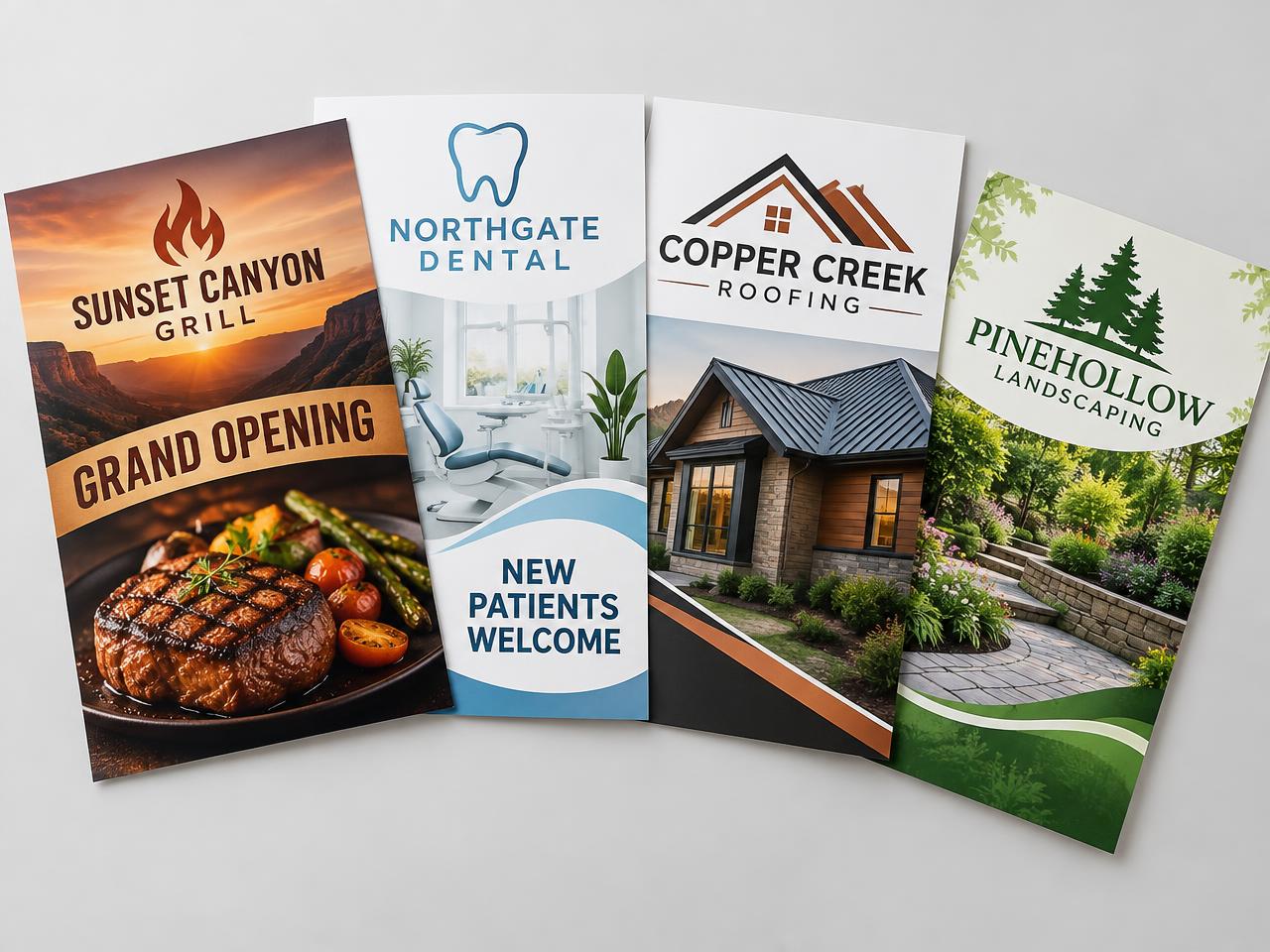 Promotional mockup
Included & quoted separately
- Listed packages use 100 lb gloss text, with two sizes and one or two printed sides. The guide lists included shipping; destination and service coverage require approval, with no duplicate shipping fee. Transit time is not production time.
- Other paper, sizes, quantities and design assistance require a written quote.
Configure your request
Each cart item is one name / artwork set. Add a separate item for another name or design; multiple packages here repeat the same artwork, with no automatic package substitution.
( * files accepted: PDF, JPG and PNG )
PDF template references
- 8.5" × 11"
- 4.25" × 11"
Reference size only. No downloadable template PDF was supplied; confirm the exact flyer template, bleed, safe area and front/back orientation with the shop before preparing artwork.
Artwork Preparation Tips
File size, layers & orientation
- Keep an untouched original. Remove unused content and optimize PDF export without reducing the required print resolution.
- Delete hidden layers that are not intended to print, including setup-guide layers and hidden artwork. Keep required production layers separate.
- Submit files with the proper front/back orientation. Confirm the approved flyer template and file-orientation guide with the shop before exporting.
- Avoid borders close to the trim; cutting can make them appear slightly off-center. Keep important content within the approved safe area.
CMYK print PDFs, images & outlined type
- Supply a high-resolution PDF with CMYK images at 300 DPI at final print size, not RGB. Convert all type to outlines rather than embedding fonts.
- Use vector artwork for type, logos, shapes and other non-photographic artwork. Supply embedded raster artwork only for full-color images.
- Embed linked images. Remove form fields, comments and annotations; they will not be printed. Check the exported PDF before selecting it.
Black ink & thin white text
- Black text uses C0 M0 Y0 K100. Larger rich-black areas use C30 M20 Y20 K100. Avoid heavier builds such as C60 M60 Y60 K100, which can increase oversaturation and color-shift risks.
- Thin or small white text knocked out of rich black can fill in or lose readability from slight print misregistration. Thicken white knockout text; the supplied reference recommends a minimum font size of 8 pt and minimum line weight of 0.75 pt.
- Swelling slightly enlarges knockout areas to compensate for ink spread. The shop must review swelling or trapping adjustments before production.
Label-specific dielines, bleed & white ink — only when quoted
- These label-specific references apply only to a separately confirmed specialty job, not automatically to flyers. The approved flyer template controls its actual trim, bleed and production layers.
- For that confirmed label workflow, match the Illustrator artboard to the final label trim size. The supplied reference specifies at least 0.0625 in bleed on every side; confirm the actual requirement with the shop.
- If a dieline is required, use a separate layer with a single stroked path in a spot color named exactly Dieline. Review dieline overprint settings with the shop.
- Only when white ink is included in the written quote, supply one file containing CMYK if needed and a spot color named exactly White_Ink. Do not supply separate CMYK and white-ink files. For white ink under a color, review overprint settings on the color or White_Ink shape; a white-ink knockout can prevent artwork printing over it. Review all overprints, including Dieline.
- Use CMYK only, not RGB, with Dieline and/or White_Ink spot colors only as specified in the accepted quote. For a separately confirmed black-only job, use K only, with approved spot colors only where required.
Files remain subject to review. Preparing or uploading artwork does not approve a proof or authorize production.
Artwork & design assistance
Supply print-ready artwork privately with your quote request. We confirm size, bleed, resolution and file suitability; uploading a file is not proof approval.
Need artwork? Design or file edits are $80/hour for agreed actual hours, never an automatic one-hour fee. Editable files are quoted separately. Other sizes, quantities or finishes are quoted. Eligible checkout collects 100% of the confirmed total, including design, shipping and tax; every printed side still needs separate current final-proof approval.
Frequently asked questions
Can I request another size or quantity?
Yes. Unlisted specifications need a written quote, never an extrapolated price or zero-dollar checkout.
When is my order ready to print?
Only after the complete scope and charges are accepted, payment is verified and you separately approve the current final print proof for every printed side. Checkout remains unavailable until the required agreements are approved.
Do you ship nationwide?
Eligible U.S. destinations are confirmed in the quote. Included package shipping is shown above; other shipping is quoted. Scheduled Denver pickup is also available.
Is design included?
No automatic design fee or free design is assumed. Artwork assistance is scoped and hours approved before charging; a final proof still needs separate approval.
Related printing
Questions before you order?
Answers are awaiting owner approval. You can still request a complete quote.